
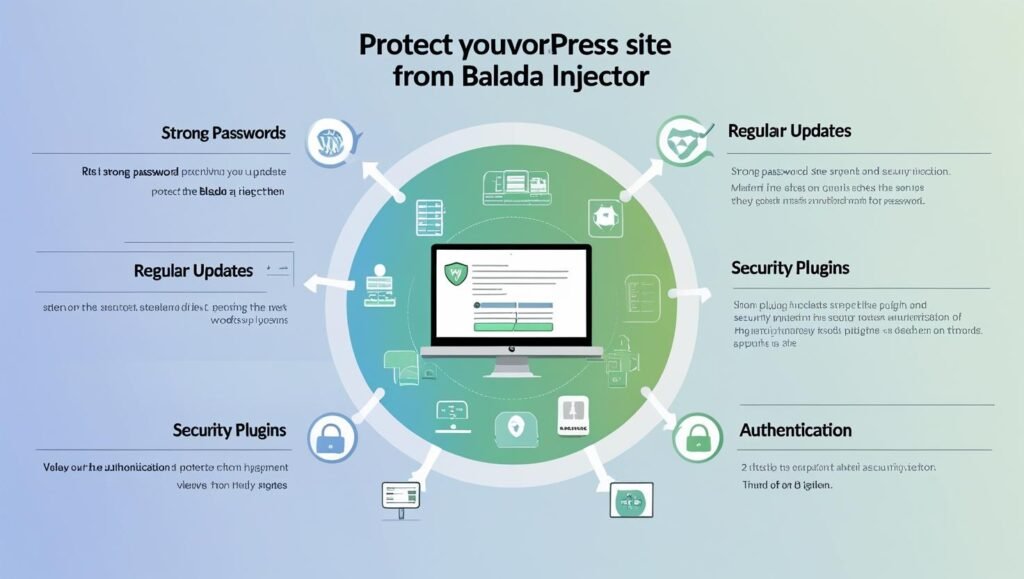
How to protect your WordPress site from the Balada Injector
📺 Watch: Build a Blog Website in 2026 with WordPress + Elementor
📚 Further Reading
The Balada Injector is a malicious malware that infects WordPress websites and injects malicious code into their files. This code can then be used to redirect visitors to phishing websites, steal their personal information, or install other malware on their devices. Securing modern websites requires not just cleanup but a structured security architecture built into the development and hosting environment.
Over the past few months, there has been a surge in Balada Injector attacks, with thousands of WordPress websites being compromised. To protect your website from this malware, it is important to take the following steps:
1. Keep your WordPress core, themes, and plugins up to date.
The Balada Injector often exploits vulnerabilities in outdated WordPress software. By keeping your WordPress core, themes, and plugins up to date, you can patch these vulnerabilities and make your website less vulnerable to attack. Regular technical audits and performance monitoring help detect vulnerabilities before they are exploited.
2. Use a strong WordPress security plugin.
A WordPress security plugin can help to protect your website from a variety of threats, including the Balada Injector. Some popular security plugins include Wordfence, Sucuri Security, and iThemes Security. Security plugins are only one layer — they must operate alongside optimized hosting, access control, and deployment workflows.
3. Change your WordPress admin password regularly.
A strong password is essential for protecting your WordPress website from unauthorized access. Make sure to use a unique and complex password for your WordPress admin account, and change it regularly.
4. Enable two-factor authentication (2FA).
2FA adds an extra layer of security to your WordPress login process. When 2FA is enabled, you will need to enter a code from your phone in addition to your password in order to log in. This makes it much more difficult for attackers to gain access to your website.
5. Scan your WordPress website for malware regularly.
Even if you take all of the above precautions, it is still a good idea to scan your WordPress website for malware regularly. This will help to identify any infections that may have slipped through the cracks. You can use a WordPress security plugin to scan your website for malware, or you can use a dedicated malware scanner such as Malwarebytes or SpyHunter. Businesses increasingly integrate automated monitoring systems to detect anomalies and respond before damage spreads.
6. Keep your WordPress hosting provider up to date.
Your WordPress hosting provider plays an important role in protecting your website from security threats. Make sure to choose a hosting provider that has a good reputation for security and that offers up-to-date security features.
By following these steps, you can help to protect your WordPress website from the Balada Injector and other malware threats.
Here are some additional tips for protecting your WordPress website from the Balada Injector:
Remove unused themes and plugins.
The more themes and plugins you have installed on your website, the more potential attack vectors there are. Remove any themes and plugins that you are not using to reduce your website’s risk profile.
A file integrity monitor can help to detect any unauthorized changes to your WordPress files. This can be helpful for identifying Balada Injector infections, as the malware often injects malicious code into WordPress files.
By monitoring your website traffic, you can identify any unusual spikes or fluctuations in traffic. This can be a sign that your website has been compromised by the Balada Injector or other malware.
A proactive approach combining security, infrastructure optimization, and continuous updates is essential for maintaining long-term digital reliability. If you believe that your WordPress website has been infected by the Balada Injector, you should immediately take steps to clean it up. There are a number of WordPress security plugins that can help you to remove the malware and repair any damage that it has caused. You may also need to contact your WordPress hosting provider for assistance.