
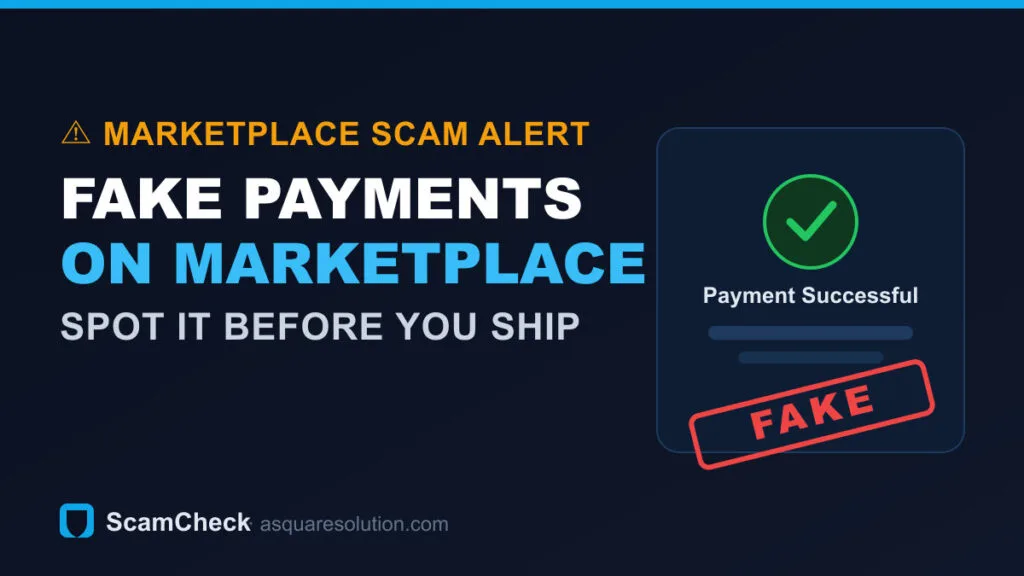
Facebook Marketplace is a top hunting ground for payment scammers. They send fake “payment sent” screenshots, push fake overpayments, invent “pending” payments and bogus “business account” upgrades, or run a fake courier — all to take your item without ever paying. Here’s how each variant works and exactly how to confirm a real payment first.
New to this? Start with our complete guide on how to verify any payment screenshot — the rule below applies to every app and country.
Key takeaways
- A payment screenshot, text or email is never proof — only money in your own app or bank is.
- Marketplace scams cluster into a few repeatable plays: fake screenshot, pending/“on hold” payment, overpayment, Zelle “business account” upgrade, and fake courier.
- Confirm every payment inside your own PayPal, Venmo, Cash App, Zelle or bank before you hand over or ship the item.
How the Facebook Marketplace payment scam works
A “buyer” agrees to your price and says they’ve paid — then sends a screenshot, a “payment sent” email, or a text as proof. No money actually reaches you. They lean on urgency (“I’ve already paid, can you ship today?”) so you release the item before you notice nothing landed. Payment confirmation screens are trivial to fake, and Marketplace’s local, stranger-to-stranger nature makes it easy for a scammer to disappear.
The most common Marketplace payment scam variants
- Fake payment screenshot. An edited PayPal / Venmo / Zelle / Cash App “successful” screen sent from the buyer’s phone. The most common play.
- “Pending” / “on hold” payment. They claim the money is “pending” and will release once you ship or confirm something. Real payments don’t wait on the seller shipping first.
- Overpayment “refund the difference.” They “accidentally” send too much (with a fake or reversible payment) and ask you to refund the extra — you send real money back for a payment that never cleared. See the overpayment scam in detail.
- Zelle “business account” upgrade. A fake email says the buyer’s payment is held until you “upgrade to a business account” — and to upgrade you must send them a fee. Zelle has no such process; it’s always a scam.
- Fake courier / shipping-label scam. The buyer insists on using “their” courier and sends a fake pickup or shipping-fee request, or a spoofed “delivery service” email asking you to pay to release the shipment.
- Google Voice code scam. The “buyer” asks you to read back a verification code “to prove you’re real” — they’re actually hijacking a phone number in your name. Never share a code.
How this ties to each payment app
Whatever app the “buyer” claims to have used, the tell is the same — and each app has its own confirmation screen to check:
- PayPal: insist on Goods & Services and confirm it in your PayPal Activity; beware Friends & Family and chargebacks.
- Venmo: check your Venmo feed and balance — no seller protection on personal payments.
- Cash App: confirm it in your Cash App Activity; pending payments can be cancelled.
- Zelle: wait for the credit to post in your bank — and ignore any “business upgrade” email.
- Apple Pay / Apple Cash: confirm the balance in your Apple Cash card in Wallet.
Red flags on Marketplace
- The “proof” is an image or email, not a payment you can see in your own account.
- Pressure to ship or meet before you’ve confirmed the money cleared.
- Any request to refund an overpayment, pay a “release fee,” upgrade an account, or read back a code.
- A buyer who wants to move off Marketplace to text / WhatsApp immediately, or insists on their own courier.
What to verify before you hand over the item
- Open your own app or bank and confirm the exact amount actually landed on your side.
- Wait for it to clear, not just “pending.” Card-funded payments can still be reversed.
- Ignore any “do X first” demand — real payments never require you to ship, pay a fee, or upgrade to release them.
- If it isn’t there, it didn’t happen. Don’t ship, don’t meet, and don’t send any “refund.”
What to do next as a seller
Set a simple personal rule for every Marketplace sale: money cleared in my account first, item second — no exceptions. For higher-value items, prefer cash in person in a safe public spot, or a protected method you can confirm on the spot. If a buyer won’t wait for you to verify, that’s your answer — cancel and move on. There are always other buyers; there’s no getting a shipped item back. And remember a payment can be reversed even after it clears — see chargeback & friendly-fraud scams for sellers.
Got a payment screenshot you’re not sure about?
Upload it to ScamCheck’s free AI screenshot detector — it reads the image and flags the signs of an edited or fake “payment” screen in seconds. Use it as a second opinion, then still confirm the money in your own account.
Buying from an unfamiliar seller or business? Verifying the payment is only half the check — verify the seller too. See whether a business is independently verified with TrustSeal.
If you’ve already been scammed
- Report it to Facebook Marketplace and to your payment app right away — and ask whether the payment can be frozen or reversed.
- File with the FTC at reportfraud.ftc.gov (US) or Action Fraud (UK).
- Report to the FBI IC3 at ic3.gov.
- Save every message, the screenshot, the buyer’s profile and the account details as evidence.
Get a 2-minute seller scam heads-up
New payment scams spread fast. Get short email alerts on fake screenshots, chargebacks, and overpayment traps — unsubscribe anytime.
Frequently asked questions
How do I know if a Facebook Marketplace payment is real?
Confirm it inside your own payment app or bank — not from a screenshot, email or text the buyer sends. If the money isn’t in your account and cleared, treat the sale as unpaid.
Should I accept Zelle on Facebook Marketplace?
Only if you can confirm the credit posts in your own bank. Beware any “business account upgrade” or “pending until you pay a fee” message — that is always a scam; Zelle has no such step.
Can a Facebook Marketplace buyer reverse a payment after I ship?
Yes, if the payment was funded by a stolen card or sent as a reversible method. Wait for funds to fully clear, and prefer in-person cash or a protected method for higher-value items.
Is the buyer’s courier or shipping label safe to use?
Be very cautious. A buyer who insists on their own courier and sends a “shipping fee” or “release payment” request is usually running a scam. Use your own shipping and only after the payment has cleared.
Why does the buyer want my phone verification code?
To hijack a phone number or account in your name. No legitimate buyer needs a code from you — never share one, on Marketplace or anywhere else.
Related payment-scam guides
- How to spot any fake payment screenshot (complete guide)
- Fake PayPal payment screenshot
- Fake Venmo payment screenshot
- Fake Cash App payment screenshot
- Fake Zelle payment / transfer screenshot
- ScamCheck: free payment-screenshot detector
What our own data says about the amounts involved
We measured this from the demand side rather than from reported losses. Across our own Google Search Console corpus (28 June–25 July 2026), we isolated every search naming a specific money amount alongside payment or screenshot terms — 60 distinct queries, 604 impressions. 60.3% of them were for sums under ₹1,000, and the single most-searched figure was ₹500.
That matters for the advice on this page: the amounts most often involved are exactly the ones where stopping to verify feels like more trouble than the money is worth. See the full denomination breakdown, or download the raw dataset and check our working.
Limitations, stated plainly: this measures search demand reaching one publisher — not victim losses — and it cannot separate people verifying a payment from people seeking to produce forgeries. We publish it as a demand-side signal. All of our research and datasets are free and ungated at asquaresolution.com/research.